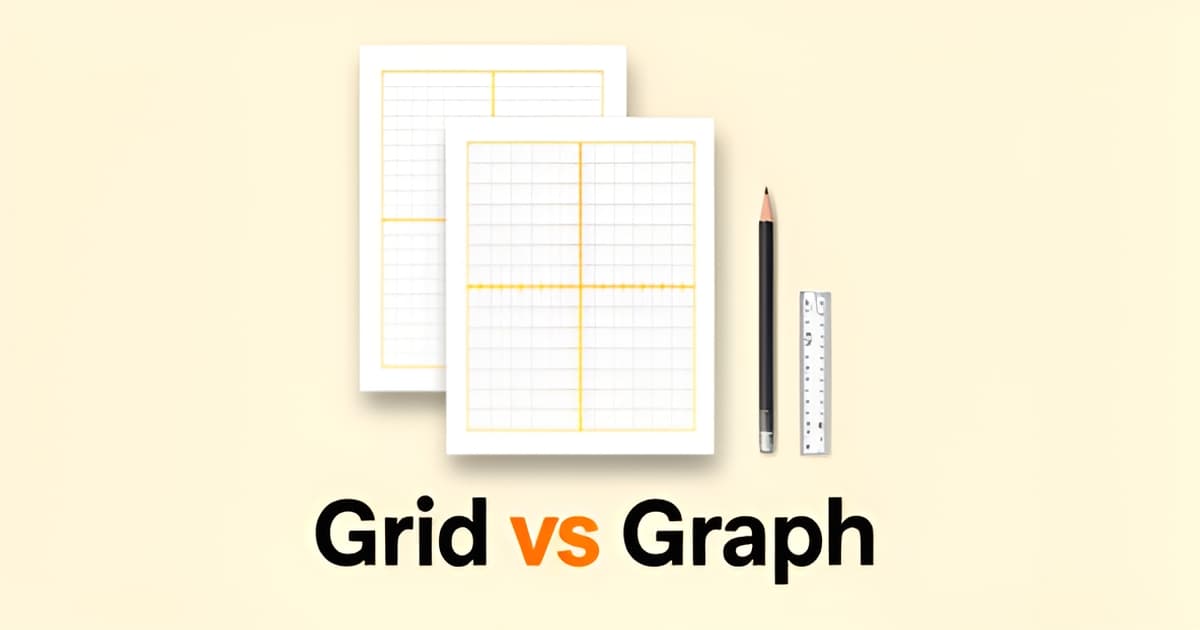
Are graph paper and grid paper the same thing?
Key Facts
- Every sheet of graph paper is technically grid paper, but grid paper is the broader term for any lined grid according to Adobe.
- Graph paper implies a coordinate system, with horizontal lines for the x-axis and vertical lines for the y-axis per Adobe's guide.
- The most common graph paper size is 8.5 x 11 inch letter, the default for North American home printers according to Adobe.
- Graph paper comes in white, gray, and blue grid lines, and line color directly affects readability per research findings.
- Full grid lines earn their place when the lines are part of the work, while dot grid suits scanned pages one printing guide explains.
- Faint dots and fine lines can nearly vanish on older printers, so increase size or opacity before reprinting practical guidance advises.
- Graph paper is genuinely useful for teaching kids symmetry and patterns Adobe notes.
Graph Paper vs Grid Paper: A Quick Clarification
Short answer: yes, for most everyday purposes. Ask whether graph paper and grid paper are the same thing and you'll get a shrug from most stationery aisles, but there's a small technical distinction worth knowing before you hit print.
According to Adobe's guide to graph paper templates, the two terms are similar but not identical. Graph paper implies a coordinate system: horizontal lines standing in for the x-axis, vertical lines for the y-axis, laid out in standardized squares for plotting graphs, charts, and data. Grid paper is the broader umbrella. It covers any paper printed with a grid of lines, regardless of spacing, orientation, or purpose.
That means every sheet of graph paper is technically grid paper, but not every grid paper is graph paper. A sheet with one-inch squares for sketching is grid paper. A sheet with tight, uniform squares for engineering layouts is grid paper too, and it starts behaving like graph paper once you're counting squares and plotting points on it.
In practice, the distinction matters far less than the use case. Both formats pull double duty across math homework, design work, and hobbies:
- Math and coordinate graphing, where the axis structure does the heavy lifting
- Design projects like logo sketches, floor plans, and mockups
- Handwriting and calligraphy practice, where the grid keeps letters even
- Technical drawing, from architectural plans to scale models
Adobe also notes graph paper is genuinely useful for teaching kids about symmetry and patterns, which is why it shows up in classrooms as often as in drafting kits. If your lines are doing measurable work, you want graph paper's tighter, more regular structure. If the grid is just a quiet backdrop for sketching or notes, plain grid paper with looser spacing works fine. (A related format, dot grid paper, sits somewhere else entirely: it gives you alignment points without filling the page with lines, which suits bullet journals and scanned pages better. The folks at print-a-graph-paper.com put it simply: full grid lines are useful when the lines are part of the work.)
Most graph paper you'll buy or print comes in the standard 8.5 x 11 inch letter size, and grid lines are available in white, gray, or blue depending on how much you want them to recede behind your pencil marks.
The good news: you don't have to pick a side. Printoodle generates both formats, so you can make a proper coordinate-style graph paper sheet for math practice or a general-purpose grid paper layout for sketching, then download either as a print-ready PDF. Every graph paper printable you create is saved to your library, and reprints are always free.
Print it. Doodle it. Done.
When to Use Each Format
Since graph paper and grid paper are functionally the same thing for most everyday printing, the real question isn't which term is correct. It's which format fits the task in front of you. The distinction that matters is practical: what you're putting on the page.
If you're asking yourself "are graph paper and grid paper the same thing" because you need to print something specific, start with the purpose. Graph paper's coordinate-style layout, with horizontal lines for the x-axis and vertical lines for the y-axis, makes it the natural fit for anything involving measuring, counting, and plotting, according to practical printing guidance. That's why it dominates math homework, coordinate graphing exercises, and chart structure.
Grid paper, as the broader category, covers everything else. Because it simply means any paper printed with a grid of lines, it accommodates variable spacing and orientation, from one-inch spacing for sketching to tighter spacing for engineering layouts, as Adobe's resource on graph paper templates explains. That flexibility makes grid paper the better choice for general sketching, drafting, and design work where you want structure without committing to a strict coordinate system.
Here's a fast way to sort your options:
- Math homework and coordinate graphing: use graph paper, where the grid lines are part of the work itself.
- Design projects like logo creation, floor plans, and mockups: either format works, but grid paper's flexible spacing suits freeform layouts.
- General sketching and drafting: grid paper, ideally with one-inch spacing for looser, larger work.
- Teaching symmetry and patterns: graph paper, since the squares make relationships visible for kids.
One useful rule of thumb from the research: full grid lines earn their place when the lines are part of the work. When they're only there for alignment, a lighter touch, like dot grid, often reads cleaner, especially on pages destined for scanning.
Whichever format you land on, the details are surprisingly consistent. The most common graph paper size is 8.5 x 11 inches, and grid lines come in white, gray, and blue, with line color affecting readability. Printoodle can generate both formats, so you can produce a graph paper sheet for tonight's algebra homework, pull up a graph paper printable for a classroom set, or switch to grid paper for a weekend sketching project. Letter size is the default, with an A4 toggle if you need it.
One last tip: if your home printer produces faint lines or dots, bump up the size or opacity before reprinting. Faint output is a known pain point on older printers, and a quick adjustment fixes it. Print it. Doodle it. Done.
Printoodle's Role in Producing Both
So you've settled the terminology question and now you just need the paper itself. Whether you searched for graph paper or grid paper, the practical answer is the same: you need a clean, print-ready grid, and you shouldn't have to visit three different websites to get it.
Because the two terms are used interchangeably in everyday use, Printoodle's generators handle both. You describe what you need, and the tool produces a print-ready PDF in seconds, with Letter as the default size and an A4 toggle if you're printing outside North America. That matches how people actually use these formats: according to Adobe, the most common graph paper size is 8.5 x 11 inches, the standard letter page most home printers already handle.
The distinction worth knowing is that graph paper typically implies a coordinate-style layout, with horizontal lines acting as the x-axis and vertical lines as the y-axis for plotting and charting, while grid paper is the broader term for any lined grid at various spacings. Printoodle lets you pick the style that fits the task instead of making you guess which label a website happens to use. If you need a classic coordinate layout for math homework, the graph paper generator covers it. If you want a general-purpose grid for sketching, design mockups, or handwriting practice, the grid paper tool handles that side of the family.
A quick way to decide which format suits your project:
- Math homework, coordinate graphing, and chart structure: use graph paper with a defined axis layout.
- Sketching, floor plans, and logo mockups: a general grid works well, with spacing chosen for the level of detail.
- Teaching symmetry and patterns to kids: grid formats make counting squares and copying designs simple.
- Bullet journals, wireframes, and handwritten notes: consider dot grid instead, since dots give alignment points without filling the page with lines.
That last point matters more than it sounds. As one printing guide puts it, graph paper is for measuring, counting, and plotting, while dot grid is for alignment when the guide marks should stay quiet. Full lines are useful when the lines are part of the work; dots are better when you'll write over the page or scan it later.
A few practical details help whatever you generate come out right the first time. Grid lines are available in colors like white, gray, and blue, and line color affects readability on the printed page. Lighter lines tend to look cleaner under handwriting, while darker lines help young children count squares accurately. And if your home printer produces faint output, bump up the line weight or opacity before printing, since thin marks can nearly vanish on older printers.
Every page you generate is saved in your library, so reprints are always free. Print it. Doodle it. Done.
Practical Printing Tips and Standards
A printable is only as good as what comes out of the printer. You can nail the terminology, pick the perfect grid, and still end up with faint lines that make the whole page useless. A few practical details make the difference between a page that works and one that ends up in the recycling bin.
Start with size. The most common graph paper format is 8.5 x 11 inch letter size, the default for home printers in North America, though smaller and larger options exist if you need them source. If you're printing for a classroom in Europe or elsewhere, A4 is the standard equivalent, and most generators, including Printoodle's, let you toggle between the two before you download.
Line color matters more than people expect. Graph paper typically comes in white (for colored or dark backgrounds), gray, and blue, and your choice directly affects readability source. Blue is the classic choice for a reason: it reads clearly without competing with pencil marks. Gray works well when you want the grid to stay quiet under handwriting or ink drawings.
Visibility is where home printers cause trouble. Light grids, especially fine dot grids, can disappear on older printers, and the practical fix is to increase dot size or opacity until the output is actually visible on paper source. The same logic applies to grid lines. If your first print looks washed out, don't assume the file is broken.
- Print a test page at draft quality first to check line visibility before committing to a full set.
- Choose blue or medium gray lines when the page will be written on in pencil, so the grid stays visible under your work.
- Match the format to the task: full grid lines when the lines are part of the work, dot grid for notes, journals, and pages that will be scanned source.
- Use letter size (8.5 x 11) as your default and switch to A4 only when the page is headed somewhere that standard applies.
Since graph and grid paper are, for everyday purposes, the same thing, you don't need separate sources for each. Printoodle's graph paper and grid paper tools cover both terms with the same output, and the graph paper printable option gives you a ready-to-print PDF in your chosen size. Reprints from your library are always free, so you can test line weight, adjust, and print again without spending extra credits.
Print it. Doodle it. Done.
Frequently Asked Questions
Are graph paper and grid paper the same thing?
Which one should I use for math homework or coordinate graphing?
When is plain grid paper the better choice?
What's the difference between graph paper and dot grid paper?
What size and line colors does graph paper usually come in?
Why do my printed grid lines come out faint, and how do I fix it?
Key Takeaways
{ "title": "Grids for Every Goal: Pick the Paper That Does the Heavy Lifting", "content": "Whether you're plotting coordinates for algebra homework or sketching the next big idea, the distinction between graph paper and grid paper comes down to what the lines are actually doing. Graph paper brin