Can AI generate bingo cards?
Key Facts
- ChatGPT generated a complete 5x5 bingo card with 25 AI terms and game rules from a single prompt, rated 'Pretty good!' by data science testers.
- One developer reports typing '5th grade American Revolution vocabulary' produces a complete card in about 10 seconds, per a vendor post-mortem.
- Most free bingo generators print only 4 to 8 unique cards, not enough for a class of 30 students, according to one developer's review.
- Some AI bingo generators bulk-print up to 200 unique cards in a single PDF, each arranging the same clues differently, the developer claims.
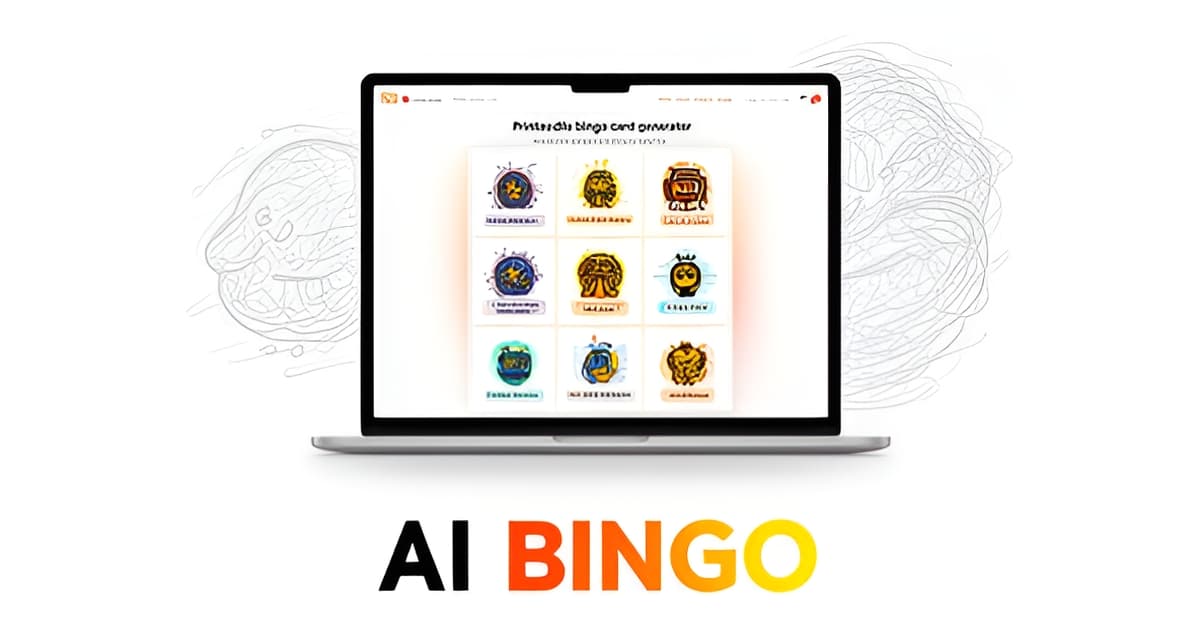
- A commercial AI bingo generator displays 9 themed templates, each delivering 30 original items in a claimed 5 seconds.
- Independent testers found ChatGPT's bingo terms accurate but unoriginal, with some terms dating back five years or more.
- Teachers, not party planners, were the most engaged early user group of one AI bingo generator, using it for vocabulary review and test prep.
The Manual Entry Problem in Traditional Generators
Ask any teacher who has tried to make a class set of bingo cards, and they'll tell you the same thing: the grid is easy, the clues are the problem. If you've ever wondered can AI generate bingo cards and skip that tedious step entirely, the answer matters most when you're staring at an empty clue list at 9 p.m. the night before a lesson.
Traditional bingo makers follow a simple workflow: you type in every clue, then the tool arranges them on a grid. That works fine for a short vocabulary list. It breaks down when you need something richer. As one developer who built an AI-based generator put it in a post-mortem of existing tools, manual entry "falls apart when a teacher wants 25 unique clues about the American Revolution at a 5th-grade reading level."
That gap explains why so many classroom bingo projects stall. Writing 24 or 25 age-appropriate clues from scratch can take longer than the rest of the prep combined, and a teacher juggling thirty students rarely has that hour to spare. Party hosts hit the same wall. A bridal shower host needs 30 on-theme items, and typing them one by one into a basic generator is exactly the kind of chore that makes people give up and buy a generic pre-printed set instead.
The friction goes beyond typing. The same developer's review flagged three recurring complaints with conventional generators:
- Paywalls sitting in front of basic features
- Manual clue entry for every single square
- No way to play together in one session
There's also a scale problem most people discover too late. Many free generators print only 4 to 8 unique cards, which is nowhere near enough for a class of 30 students who each need a different arrangement of the same clues.
This is where the new generation of tools changes the math. Instead of a blank clue box, you start with a short prompt, and the tool drafts the content for you. Printoodle's bingo card generator works this way: you describe what you need, and you get editable, print-ready cards you can refine before printing. For reading practice specifically, the reading bingo tool builds boards around literacy goals without a clue-by-clue typing session.
The point isn't that AI writes better clues than you. A data science firm that tested ChatGPT on bingo generation rated the result "Pretty good!" while noting the terms it chose were accurate but unoriginal. The real win is time. AI drafts the clue list in seconds, you keep editorial control, and the blank-box bottleneck that kept bingo out of so many classrooms and parties simply disappears.
How AI Actually Generates Bingo Cards
Type "Create a bingo card related to AI" into ChatGPT and, within moments, you get a complete 5x5 grid with 25 terms and game rules. That's not a prediction; it's a documented test. A data science firm ran exactly this prompt and got a playable card covering Neural Network, Machine Learning, Chatbot, Deep Learning, and Computer Vision, which they rated "Pretty good!"
So if you're asking whether AI can generate bingo cards, the answer is a demonstrated yes, and the mechanics behind it are simpler than you might expect.
A language model turns a topic into a grid. Large language models don't "design" a bingo card the way a human would. They recognize that bingo is a pattern, a set of short items arranged in a grid, and they populate that pattern with content matching your prompt. Ask for a themed card and the model draws on its training to produce relevant entries, then arranges them into the familiar 5x5 layout.
Commercial tools have taken the same approach and productized it. One AI bingo generator displays 9 themed templates covering everything from 50th birthdays to Christmas dinners, each delivering 30 original items in a claimed 5 seconds. Another developer reports that typing "5th grade American Revolution vocabulary" produces a complete card in about 10 seconds, with bulk printing of up to 200 unique cards in one PDF. Those speed and scale figures are vendor-reported, so treat them as indicative rather than verified.
What matters more is what AI generation replaces. Traditional makers force you to type every clue by hand, which works for a 10-word vocabulary list but breaks down when a teacher needs 25 unique clues at a specific reading level. AI flips the workflow: you supply the brief, the tool supplies the content.
The pattern you can expect from a good AI bingo generator looks like this:
- You describe a topic, theme, or reading level in a sentence or two.
- The AI drafts the clues and fills the grid in seconds.
- You edit any clue, adjust the grid, or shuffle the arrangement before printing.
That last step matters. AI output is a starting point, not a fixed result, and the First Analytics testers noted the same caveat: their ChatGPT card's terms were accurate but not fresh, some dating back five years or more. The practical takeaway is to let AI draft and let a human refine.
This is exactly how Printoodle's bingo card generator approaches it, and the same brief-in, cards-out logic applies to classroom tools like reading bingo. Teachers, notably, turned out to be the most engaged early user group in the developer's report, using AI bingo for vocabulary review, test prep, and custom boards on everything from the periodic table to music theory. Print it, doodle it, done.
Why Teachers and Event Hosts Are the Real Winners
Teachers and event hosts find AI bingo generation a practical shortcut for creating engaging, customized materials without the tedious manual work. The research confirms that AI can generate a complete 5x5 bingo card with 25 terms and game rules from a single prompt, and vendors report speeds as fast as five seconds for 30 original items across themed occasions. For educators, the real value emerges when AI replaces the hours traditionally spent typing every clue by hand, especially for grade-specific content like vocabulary review or historical figures. The BingWow developer noted that teachers quickly adopted the tool for uses ranging from live multiplayer games on classroom Chromebooks to reviewing periodic tables and music theory, proving that AI generation solves the core limitation of traditional makers: manual clue entry.
What keeps the output useful is editability. AI generators produce a draft that teachers and hosts can immediately customize, shuffle, or adjust before printing, ensuring the final card matches the specific lesson or event theme. This flexibility is especially important for classroom use, where a teacher might need 25 unique clues about the American Revolution at a 5th-grade reading level, or an event host might want to tweak prompts for a bridal shower or office meeting. Unlike many free tools that cap unique card output at four to eight copies, some AI generators can produce up to 200 unique cards as a single PDF, with the same clues arranged differently on each card, making it viable to print one card per student in a class of 30 without duplicates.
The research also highlights that AI output serves as a strong starting point rather than a final product. Users can review AI-generated terms, swap in their own vocabulary, or adjust the grid size to fit their needs before downloading a print-ready PDF. This balance of speed and control makes AI generation appealing for both quick classroom activities and larger event planning. Ready to see what AI can create for your next lesson or gathering? Printoodle’s bingo card generator lets you create custom cards in seconds, and with the reading bingo tool, you can generate themed cards from your own brief or document. Print it. Doodle it. Done.
From AI Draft to Print-Ready PDF in Seconds
So the AI has drafted your clues. What happens next is where most tools leave you hanging: a wall of text you have to retype into a card template, cell by cell. That manual transfer step is exactly what Printoodle's workflow removes.
The pattern across AI bingo tools is consistent: generation is fast, but the output is meant to be a starting point. One developer found users routinely edit AI-generated clues, swap grid sizes, and reshuffle arrangements before playing, treating the AI draft as raw material rather than a finished product. Printoodle's bingo card generator is built around that same expectation. You give it a short brief, it produces the card, and the result arrives as an editable, print-ready PDF in Letter size (with an A4 toggle), not a screenshot you have to rebuild.
That matters because the independent evidence on AI quality is mixed. When a data science firm asked ChatGPT to create an AI-themed bingo card, it produced a complete 5x5 grid with 25 terms and game rules, which the reviewers rated "pretty good," though they noted the terms weren't especially fresh and urged healthy skepticism toward AI output. An editable draft is the answer to that skepticism: the AI does the tedious first pass, and you keep final say over every square.
The workflow looks like this:
- Describe what you need in a sentence or two, the same way one teacher reportedly got a full 5th-grade American Revolution vocabulary card in about 10 seconds from a plain-language prompt.
- Review the draft and edit any clue that doesn't fit your group or reading level.
- Download the finished PDF, ready for your home printer or the copy machine.
- Reprint any time. Everything you make lives in your library, and reprints are free forever, so a lost card or a last-minute second game costs you nothing.
The free-reprint part deserves a mention for teachers specifically. Classroom materials get destroyed, revised, and reprinted constantly, and a tool that charges per download turns every reprint into a new decision. Printoodle's model treats your saved card as a permanent asset instead.
For reading practice, the same brief-in, cards-out approach applies. The reading bingo tool follows the same path: describe the challenge, get a printable card, tweak it, print it. No copying clues between apps, no formatting grid cells by hand.
The honest summary of where AI bingo stands today: generation is proven and quick, quality is decent but imperfect, and the tools that work best are the ones that hand you an editable, printable result instead of a finished product you can't touch. Print it, doodle it, done.
Frequently Asked Questions
Can AI actually create a complete bingo card from just a topic prompt?
What's the biggest problem with traditional bingo card generators that AI solves?
Can I edit the AI-generated clues, or is the card set in stone?
How many unique bingo cards can AI generate for a classroom of 30 students?
Is AI-generated bingo content accurate, or should I be skeptical?
Print It. Doodle It. Done.
So, can AI generate bingo cards? The evidence says yes, a data science firm got a complete 5x5 card with 25 terms from a single ChatGPT prompt, and working generators now turn a plain-language brief into a themed board in seconds. The real story isn't whether AI can do it; it's what AI generation replaces. Manual clue entry, the bottleneck that stalled so many classroom and party projects, simply disappears. The best tools treat AI output as a draft you can edit before printing, which answers the fair criticism that AI clues can be accurate but unoriginal. Your next step is easy: grab a free sample from Printoodle's bingo card generator, describe your topic in a sentence or two, and refine the draft to fit your group. Teachers can do the same with the reading bingo tool for literacy-focused boards. Everything you make is saved in your library with free reprints forever, so a lost card never costs you a second thought. Print it. Doodle it. Done.