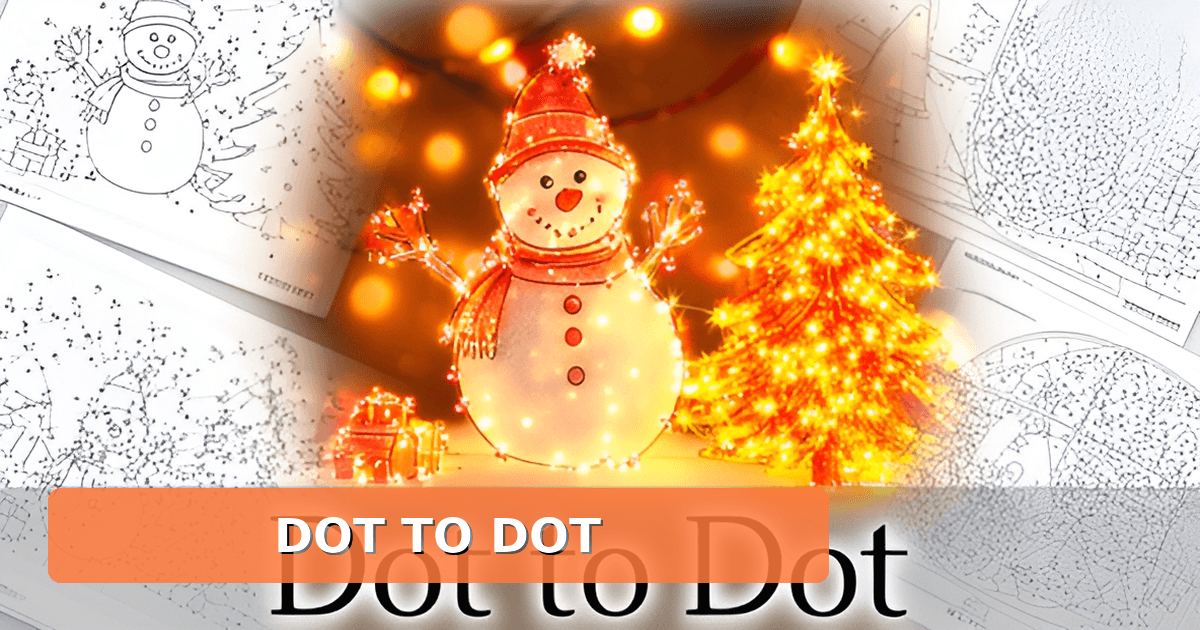
Christmas Dot to Dot Printables: Free Easy and Extreme Pages
Key Facts
- Preschoolers ages 3 to 5 do best with just 10 to 20 dots, while adult dot-to-dot books run well beyond 100 dots, according to age-based guidance.
- One popular generator stamps watermarks on every free page and requires a minimum order of 5 games to remove them, its creator page shows.
- Modern dot-to-dot generators convert photos, drawings, or text prompts into printable puzzles in under 30 seconds, one generator site describes.
- Printables print best at 100% scale rather than 'fit to page,' with quality switched from draft to best, a printing guide recommends.
- For kids ages 6 to 10, the sweet spot is 30 to 60 dots, per widely cited generator guidance.
- Printing at 125% scale makes dots larger and easier for small hands to count and connect, a dot-to-dot printing guide advises.
- Answer keys are now category standard, with one generator offering a 'Solution on a 2nd page' toggle in print preview, its creator page confirms.
Why Most Christmas Dot to Dot Printables Disappoint
If you've ever printed a "free Christmas dot to dot" at 9 p.m. on December 23rd, you know the drill: the picture is tiny, the dots are numbered to 15, and your fourth grader finishes it in ninety seconds flat. Most printable dot-to-dot pages share the same handful of problems, and they all come from the same root cause: they're fixed downloads, not puzzles built for your child.
The first frustration is variety. A static page is one picture, at one difficulty, forever. Once your kid connects the dots and colors it in, that sheet is done. Some sites do offer more options, but often behind friction. One popular generator puts a watermark on every free page unless you buy watermark-free versions with a minimum order of five games, according to its creator page. Another advertises free printables while noting that "premium designs" may cost a small fee and handing out just two free credits at sign-in.
Then there's the difficulty mismatch. Most downloadable packs don't let you choose how hard the puzzle is, even though the category has well-documented standards. Age-based guidance from Univers Studio's generator suggests 10 to 20 dots for ages 3 to 5, 30 to 60 dots for ages 6 to 10, and well over 100 dots for adult-level books. A fixed sheet rarely covers that range, which means the same printable is either babyish for your eight-year-old or overwhelming for your preschooler.
Parents and teachers also run into the practical annoyances:
- Signup walls that demand an email before you can see the PDF
- Watermarks or site logos stamped across the picture
- A single image per page, so siblings can't work at different levels
- No answer key, which matters more than you'd think once a child insists they've finished and you can't verify it
That last point isn't trivial. Solution pages are now a category standard; Oh My Dots! includes a "Solution on a 2nd page" toggle right in its print preview. When a fixed download skips the answer sheet, you're stuck guessing.
The deeper issue is that the whole category has moved on. Competitor tools now convert photos, drawings, or text prompts into printable puzzles in under 30 seconds, as one generator site describes, precisely because static templates can't adapt to who's solving them. What parents actually want is flexibility: a fresh puzzle every time, at the right difficulty, without paying or registering.
That's the gap Printoodle's Christmas dot-to-dot generator was built to close. Every activity is free with no signup, and every press makes a new one, so a rainy December afternoon can produce a dozen different pages tuned from preschool-easy to adult-extreme, answer pages included. Instead of hunting for the one perfect download, you generate exactly what today needs.
What a Modern Dot to Dot Generator Actually Does
For years, finding a Christmas dot-to-dot meant scrolling through the same handful of static PDFs, year after year. That model is fading. The category has shifted to on-demand generators that build a fresh puzzle from a photo, a drawing, or a short prompt, which is exactly the approach behind the Christmas dot-to-dot generator at Printoodle.
The practical difference shows up in difficulty scaling. According to Univers Studio's dot-to-dot guidance, 10 to 20 dots suit ages 3 to 5, 30 to 60 dots fit ages 6 to 10, and adult activity books run well beyond 100 dots. A generator lets you dial that range in a single sitting instead of hunting for three separate downloads.
Modern tools also treat the answer key as standard equipment. Oh My Dots!, for instance, includes a "Solution on a 2nd page" toggle in its print preview, so a parent or teacher can hand over the puzzle and keep the solution separate. That matters when you're printing for a classroom or a party table.
What a generator actually delivers:
- Difficulty scaling from a preschool-friendly handful of dots up to extreme adult puzzles with hundreds of points
- Optional answer pages so the solver sees only numbered dots, not the finished picture
- Instant PDF export sized for standard paper, ready to print at home
- Fresh output on every press, so no two pages come out identical
Print quality is where most home printing goes wrong. A Crazy Kangaroo printing guide recommends printing PDFs at 100% scale rather than "fit to page," and switching quality from draft to standard or best for detailed artwork. The same source suggests cardstock for durability and black-and-white to save ink, both useful if you're tucking folded pages into stockings.
Printoodle's take on this is simple: every activity is free with no signup, and every press makes a new one. You choose the difficulty, generate, and print. If you want to see how it handles a Christmas theme, the free Christmas dot-to-dot tool is the place to start. Print it. Doodle it. Done.
Easy vs. Extreme: Matching the Puzzle to the Person
Difficulty isn't a vague feeling you have to guess at. It's a dial with real numbers behind it, and matching the right setting to the right person is the difference between a happy colorer and a frustrated one.
The most reliable guide is dot count by age. A widely cited generator FAQ recommends 10 to 20 dots for ages 3 to 5, 30 to 60 dots for ages 6 to 10, and well beyond 100 dots for adult activity books. Those three bands map neatly onto easy, medium, and extreme, so start there before you touch any other setting.
Dot count isn't the only lever, though. The same source notes that you can raise difficulty by switching from numbers to a less familiar alphabet or by building a custom sequence. A competing dot-to-dot creator frames it the same way: simple picture, fewer dots, and plain numbers for easy; higher point counts and unfamiliar sequences for hard. For a preschooler, 15 big-numbered dots that trace a simple shape is plenty. For a ten-year-old who finishes in ninety seconds, push toward the upper end of that 30 to 60 range.
Practical levers that change difficulty without changing the picture:
- Dot count: fewer dots mean shorter connecting lines and less counting stamina required.
- Numbering system: plain numbers are easiest, skip-counting and letter sequences are harder, unfamiliar alphabets hardest.
- Dot size and font size: larger dots and numbers suit small hands, smaller ones suit precision work.
- Whether an answer page is included, which matters most for independent young solvers and for teachers grading at a glance.
Answer pages are worth treating as standard rather than a bonus. One generator offers a solution-on-a-second-page toggle right in its print preview, and that's the feature parents and teachers notice first. If you're printing a stack for a classroom, include the answer sheet so a helper can check work without solving the puzzle themselves.
Printoodle's Christmas dot-to-dot generator lets you set the difficulty yourself and press again for a fresh page whenever you want one. Every activity is free with no signup, so you can print an easy set for the youngest and an extreme one for the grown-up at the same table. Match the puzzle to the person, and everyone stays at the table longer.
Print It Right: Stocking-Stuffer Tips That Actually Work
A great puzzle page can print terribly: dots clipped off the edge, numbers too faint to read, or a picture that shrinks to postage-stamp size. Getting your print settings right takes about thirty seconds and makes the difference between a page kids love and one that goes straight in the recycling.
The single most common mistake is choosing "fit to page" in the print dialog. Printables print best at 100% scale, which keeps every dot and number exactly where the generator placed it, according to a roundup of free printable resources. For younger children, though, there's a deliberate exception: bump the scale to 125% so the dots are larger and easier for small hands to count and connect, a tip from the dot-to-dot printing guide at ConnectTheDotsPrintable.
For the stocking-stuffer use case specifically, a few settings matter more than usual:
- Print in black-and-white to conserve ink, and deselect "background graphics" if your printer offers the option.
- Switch quality from "draft" to "standard" or "best" so the numbers stay crisp enough to read.
- Use cardstock instead of regular paper if the pages will live in a stocking, a stocking pocket, or a travel bag.
- Stick with portrait orientation on letter-size paper for standard dot-to-dot layouts.
Cardstock earns its keep here. A stocking stuffer gets stuffed, squished, and pulled out by an excited kid on Christmas morning, and a flimsy sheet of copy paper rarely survives that journey. Cardstock costs pennies more per sheet and holds up through the whole puzzle, or through a second child doing it later.
If you're printing a batch for a classroom party or a stack of stuffers, don't print one page and stop. Because the Printoodle Christmas dot-to-dot generator makes a fresh puzzle every time you press generate, and every activity is free with no signup, you can build a varied little stack in minutes: a few easy pages for preschoolers, a few harder ones for older kids, and maybe one extreme puzzle for the adult in the family who quietly loves connect-the-dots. Print the stack at 100% scale, keep the black-and-white setting on, and you've got a screen-free activity that fits inside a stocking for the cost of a few sheets of cardstock.
One last check before you hit print: preview the page. If dots are running off the margin, drop the scale back to 100% rather than shrinking the whole sheet, and you'll lose nothing but the problem.
Frequently Asked Questions
How many dots should a Christmas dot-to-dot have for my child's age?
Are there any truly free Christmas dot-to-dot printables without a signup or watermark?
What makes a dot-to-dot puzzle harder or easier besides the number of dots?
Do dot-to-dot printables come with answer keys?
Why does my printable dot-to-dot look tiny or get dots cut off when I print it?
What's the best way to print dot-to-dot pages as Christmas stocking stuffers?
One Fresh Puzzle Per Person, Zero Hunting Required
The best Christmas dot-to-dot isn't a file you find, it's a page you generate. You now know the three pieces that make the difference: match the dot count to the solver (10–20 dots for preschoolers, 30–60 for ages 6–10, and 100+ for adults, per widely cited generator guidance), keep answer pages in the stack, and print at 100% scale on cardstock so the pages survive Christmas morning. That's the whole recipe for a stocking stuffer, a classroom party, or a rainy December afternoon that doesn't involve another screen. Your next step is simple: decide who's solving, pick their difficulty, and print. Printoodle's Christmas dot-to-dot generator makes it easy, every activity is free with no signup, and every press makes a new one, so the preschooler and the puzzle-hungry grown-up at the same table both get a page worth their time. Print it. Doodle it. Done.