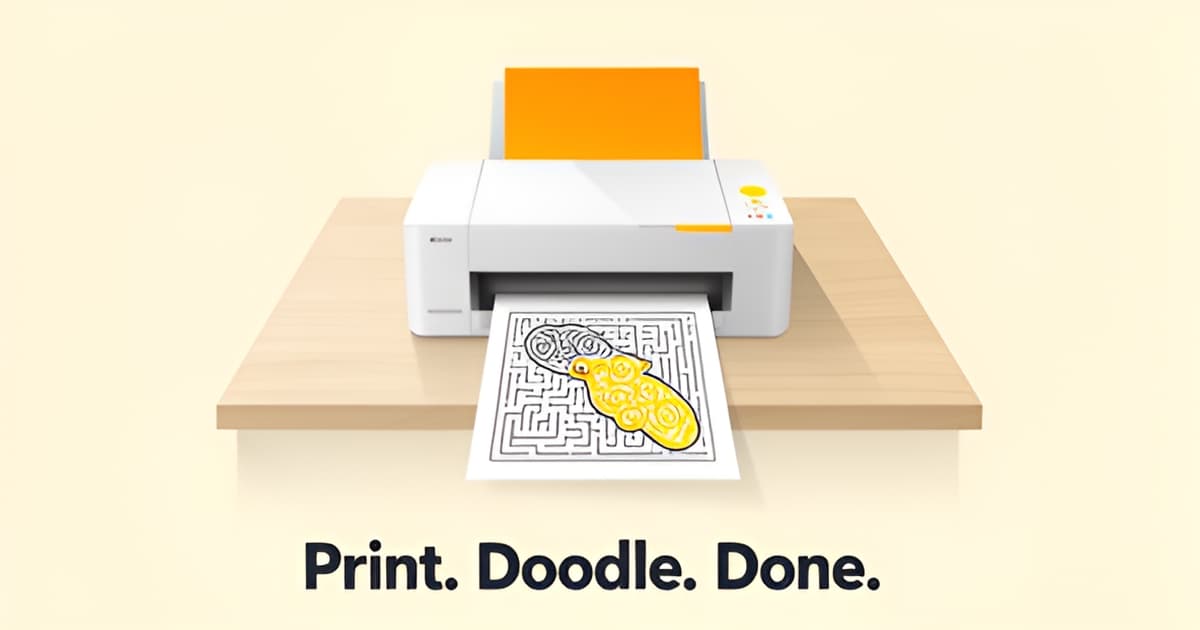
How do I print out worksheets?
Key Facts
- The digital learning resources market is projected to reach $2,682.6 million by 2035, growing at an 18.6% CAGR according to teacher resource research.
- 68.4% of the digital learning resources market now runs on subscriptions per recent market data.
- 69% of students worldwide prefer online, blended, or hybrid learning formats according to education research.
- Only about 33% of K-12 teachers are aware of open educational resources per teacher platform research.
- Printoodle generates every worksheet as a print-ready PDF with Letter as the default and A4 as a toggle, so any home printer can handle it.
- Every Printoodle creation lives in a personal library where reprints are free forever, so misprints cost paper, not credits.
- Printoodle offers 10 free credits on email verification, with credit packs starting at just $5.
The Sunday-Night Scramble: Why Printing Worksheets Feels Harder Than It Should
It's 9 PM on a Sunday, and the search begins. You need something you can print before first period, and the clock is not on your side. If you've ever typed "how do I print out worksheets" into a search bar at that hour, you already know the real question underneath it: why is this so hard?
According to teacher resource research, that late-night scramble is one of the most common moments in a teacher's week. You find a page that looks perfect on screen, hit print, and then reality intervenes. The margins shift. A grid gets clipped at the edge. The word bank from your word search maker lands on a second sheet nobody asked for.
The frustrations tend to cluster around the same few problems:
- Pages that print misaligned, cutting off clues or answer boxes
- Wasted ink on dark backgrounds and heavy decorative borders
- Files that need resizing, cropping, or reformatting before they're usable
Here's the part most people miss: the printer is rarely the culprit. Home printers, inkjet or laser, handle PDFs just fine. The problem is almost always the file itself. A worksheet saved as an image, a web page printed straight from the browser, or a document built for a different paper size will fight you every time.
The best printables, as one practical printing guide puts it, aren't the flashiest ones. They're the pages you can print at 7 AM and use without fixing anything. That standard is about file prep, not printer settings.
A print-ready PDF locks in the layout. It carries its own margins, its own fonts, its own page size. When a platform like Printoodle generates a printable word search or classroom worksheet as a PDF with Letter as the default and A4 as a toggle, your printer just follows instructions. Nothing drifts, nothing clips, nothing surprises you at 7:15 AM with a class arriving in ten minutes.
That consistency matters more when you're building a week's worth of handouts. Research on teacher platforms notes that consistency is what saves time when you're assembling packets and don't want every page to feel like it came from a different planet. The digital learning resources market reflects this shift, projected to reach $2,682.6 million by 2035 with an 18.6% CAGR, and 68.4% of that market now runs on subscriptions.
So before you blame the hardware, look at the file. If it's a true print-ready PDF, your Sunday night gets a lot shorter.
How to Print Out Worksheets from Printoodle: The Download-and-Print Method
If you've ever typed "how do I print out worksheets" into a search bar at 9 PM on a Sunday, you're in good company. Teachers and parents consistently describe that exact moment of needing something printable before first period or breakfast, according to an education resource guide. The good news: printing worksheets from Printoodle takes about a minute once you know the flow.
Printoodle generates every activity as a print-ready PDF, which means the file you download is already formatted for a standard sheet of paper. There's no special software, no printer-specific setup, and no resizing on your end. Any home printer, inkjet or laser, handles the file the same way it handles any PDF you'd print from an email.
Here's the download-and-print method, step by step:
- Generate your worksheet. Upload a photo, a document, or a short brief, spend credits, and Printoodle builds your activity pages in seconds.
- Preview the actual student pages. This matters more than it sounds. The same research advises buyers to choose resources whose previews show the student pages rather than only the cover and credits, and Printoodle's preview shows you exactly what will come out of the printer.
- Check your paper size. PDFs default to US Letter, and there's an A4 toggle if you print on international paper. Set this before you print so nothing gets cropped or scaled oddly.
- Download the PDF from your library. Everything you make lives in your library, where reprints are always free, so a misprint or a second copy for a sibling costs you nothing.
- Hit Print. Open the file and print it like any other PDF.
That last point deserves a moment. Because reprints are free forever, you can test a page, adjust your printer settings, and try again without worrying about wasting credits. The philosophy echoes what experienced educators say about the best printables: they're the pages you can print at 7 AM and use without fixing anything.
The Letter-versus-A4 toggle is worth a second look if you're building packets across a week. Consistent formatting keeps every handout feeling like it belongs to the same set, a trait teachers value in platforms like Twinkl, and Printoodle handles it automatically once you pick your size.
Whether you're printing a custom word search maker puzzle for Friday's vocabulary review or a printable word search for a rainy afternoon, the process is identical: generate, preview, download, print. Print it. Doodle it. Done.
Getting the Best Print: Paper, Printers, and Settings That Actually Matter
If you've ever wondered how do I print out worksheets without wasting half an ink cartridge on a misaligned page, the answer starts before you ever hit the print button. A few smart choices about paper size, printer type, and file format make the difference between a crisp handout and a smudged disappointment.
Start with paper size. Printoodle generates print-ready PDFs in Letter size by default, with an A4 toggle, so match the setting to your region and your printer tray. Letter (8.5 x 11 inches) is the North American standard; A4 is what most of the rest of the world uses. If your tray holds Letter and the file is A4, you'll get scaling artifacts, odd margins, or a shrunken worksheet. Check the toggle before you download.
Then run one test page. It sounds fussy, but it saves ink and paper, especially when you're printing at 9 PM on a Sunday and, as one teacher-resource guide puts it, "you need something you can print before first period." A single preview page catches sizing problems before you commit to a full class set. As practical guides for teachers note, the best printables are "the pages you can print at 7 AM and use without fixing anything." Previewing gets you there.
Your printer choice matters too, and it depends on what you're printing:
- Inkjet for coloring pages: inkjets handle heavy line art and large solid areas well, and they're the usual home choice for detailed coloring sheets.
- Laser for text worksheets: crisp text, fast output, and no smudging when little hands drag across a fresh word search.
- Draft mode for practice pages: save toner on flashcards or everyday drills where polish doesn't matter.
The format underneath all of this is PDF, and that's deliberate. PDF keeps fonts, spacing, and page layout locked across devices, so the worksheet you generate on a laptop prints the same on a classroom desktop or a phone sent to a wireless printer. That consistency is exactly what packet-builders look for; one guide praises platforms that offer "consistency when you're building packets across a week and don't want every handout to feel like it came from a different planet." Printoodle's PDFs deliver that, whether you're printing a single word search maker page or a themed printable word search for a party pack.
And here's the safety net: everything you make lives in your Printoodle library, and reprints are always free. A misprint costs you paper, not credits. Preview, test one page, then print the full set with confidence. Print it, doodle it, done.
Mistakes Happen: Why Free Reprints Change the Printing Game
Nothing kills the momentum of a perfect worksheet like a misprint. You’ve spent time designing the activity, the kids are ready, and then, smeared ink, wrong paper size, or a page that just won’t align. That anxiety is familiar to every parent and teacher, but it doesn’t have to be the cost of doing business.
Printoodle was built with this exact scenario in mind. Because every worksheet you create lives in your personal library, a printing mistake costs nothing to fix. You can print at 7 AM and use the pages without fixing anything, knowing that a second attempt is always available. This freedom changes how you approach activity planning, turning what was once a high-stakes task into a simple click-and-print routine. For teachers rushing to finish a lesson before first period or parents prepping a rainy-day activity, the ability to reprint without limit means the work is ready exactly when you are.
The research backs this up. A highlighted insight from education resource guides notes that it is “9 PM on a Sunday, and the search begins. You need something you can print before first period,” emphasizing the urgency teachers feel when seeking materials. Similarly, the same source advises that “on TPT, buy from sellers whose previews show the student pages rather than only the cover and credits,” a practice Printoodle supports by providing print-ready PDF previews users can evaluate before they print. This focus on preview and immediate usability is what separates frustrating printables from ones that just work. With Printoodle, the PDF format serves as the industry standard, and the platform’s Letter default with an A4 toggle gives you the flexibility to match any home printer specification instantly.
Beyond the immediate print, the platform’s structure supports long-term use. Printoodle operates on a model where reprints are free forever, mirroring the practical advice that the best printables are the ones you can print quickly and use without fuss. The stats reflect a broader trend: 68.4% of the digital learning market uses subscriptions, and the sector is projected to reach $2,682.6 million by 2035, with 18.6% growth annually. Within that ecosystem, Printoodle offers a free tier of 10 credits on email verification, with credit packs available from $5, ensuring that getting started is low-risk.
Whether you are generating a word search maker for a classroom lesson or a printable word search for a family gathering, the process is designed to be seamless. You upload a brief, spend credits, and download a PDF that lives in your library forever. If a page doesn’t line up perfectly the first time, you simply print again, no extra cost, no re-uploading, no frustration.
Print it. Doodle it. Done.
Frequently Asked Questions
How do I print out worksheets from Printoodle on my home printer?
Why do my worksheets print misaligned or get cut off at the edges?
What's the difference between Letter and A4, and which should I pick?
Should I use an inkjet or laser printer for worksheets?
Do I have to pay again if my worksheet misprints?
Should I preview my worksheet before printing a full class set?
From Sunday-Night Scramble to One-Click Confidence
So, how do I print out worksheets without the Sunday-night stress? The answer comes down to one thing: print-ready PDFs. When your file locks in its own margins, fonts, and page size, your printer simply follows instructions, no clipped grids, no wasted ink, no surprises at 7 AM. Match your paper size (Letter or A4), run one test page, and choose the right printer for the job: inkjet for coloring pages, laser for text-heavy worksheets, draft mode for everyday practice. Printoodle handles the hard part by generating every activity as a print-ready PDF, previewable before you download and stored in your library where reprints are free forever, so a misprint costs you paper, not credits. That consistency matters most when you're building a week's worth of packets, and it's part of why the digital learning market, projected to reach $2,682.6 million by 2035 per teacher resource research, keeps shifting toward subscription platforms. Ready to skip the scramble? Generate a worksheet, preview the student pages, and hit print. Print it. Doodle it. Done.